Workflow guide
Photo proofing for photographers: how clients choose online and how the list gets back to you
Photo proofing is the round where a client looks through the frames from a session and marks the ones they want. Done well it takes a week and ends with a list of filenames; done badly it takes a month of emails and screenshots. This guide covers what a proofing gallery needs, how the common tools handle selection, and how the picks get back into Lightroom.

Proofing, delivery and selling are three different galleries
Most proofing goes wrong because one gallery is asked to do three jobs. Each job wants different settings, a different set of photos and a different kind of attention from the client, so it helps to name them before you build anything.
Proofing: the client chooses
The gallery holds the culled frames, not the finished edits. Downloads are off, because nothing here is meant to leave. The client's job is to mark, not to keep, and the gallery's job is to turn those marks into a list you can act on. It should be short-lived: a week or two, then it closes, and the marks are the only thing that survives it.
Delivery: the client keeps
The gallery holds the edited set and nothing else. Downloads are on, at the sizes you decided, with a PIN if you want to know who is pulling files. Sections for the parts of the day, a cover, your name on it. This one stays online for as long as you promised, which is a separate decision from anything on this page.
Selling: the client buys
A print store attached to the gallery, with a lab, prices and usually a commission. Pixieset and Pic-Time are built around this and do it thoroughly. If you do not sell prints, it is a layer you pay for and never open, and it is the first thing to strike off the list when you compare tools for proofing.
A proofing round that ends with a clean list
Five decisions, all made before the link goes out, decide whether the round takes a week or a month. None of them depends on which tool you use.
-
Cull first, then show
The client should never see the misfires, the closed eyes or the fourth frame of the same moment. Cull down to the set you would be happy to edit, and give them something they can get through in one sitting. A portrait session might come down to sixty frames, a family shoot to a hundred. The fewer they see, the faster they decide, and the picks are better for it.
-
Upload with downloads off
A proofing gallery is for looking. Switch downloads off before you send the link, so that unedited frames do not end up on a phone and then on Instagram with your name attached. The finished files arrive later, in the delivery gallery, at the sizes you choose. If a tool has no download switch per gallery, it is the wrong tool for proofing.
-
Agree the vocabulary
Most gallery tools give the client more than one mark. Decide what each one means and write it in the message that goes with the link: star means must have, like means maybe, reject means no. Without that you get a hundred hearts and no idea which twenty they actually want. Three marks are enough; give people more and they stop using them.
-
One contact and one deadline
A couple, two sets of parents and a planner in the same gallery will mark five different sets and argue by email. Name one person who owns the final list, and give the round an end date, ideally within two weeks. Put the date in the message and in the gallery description. Proofing without a deadline is a gallery that is still open in November.
-
Export the filenames and filter in Lightroom
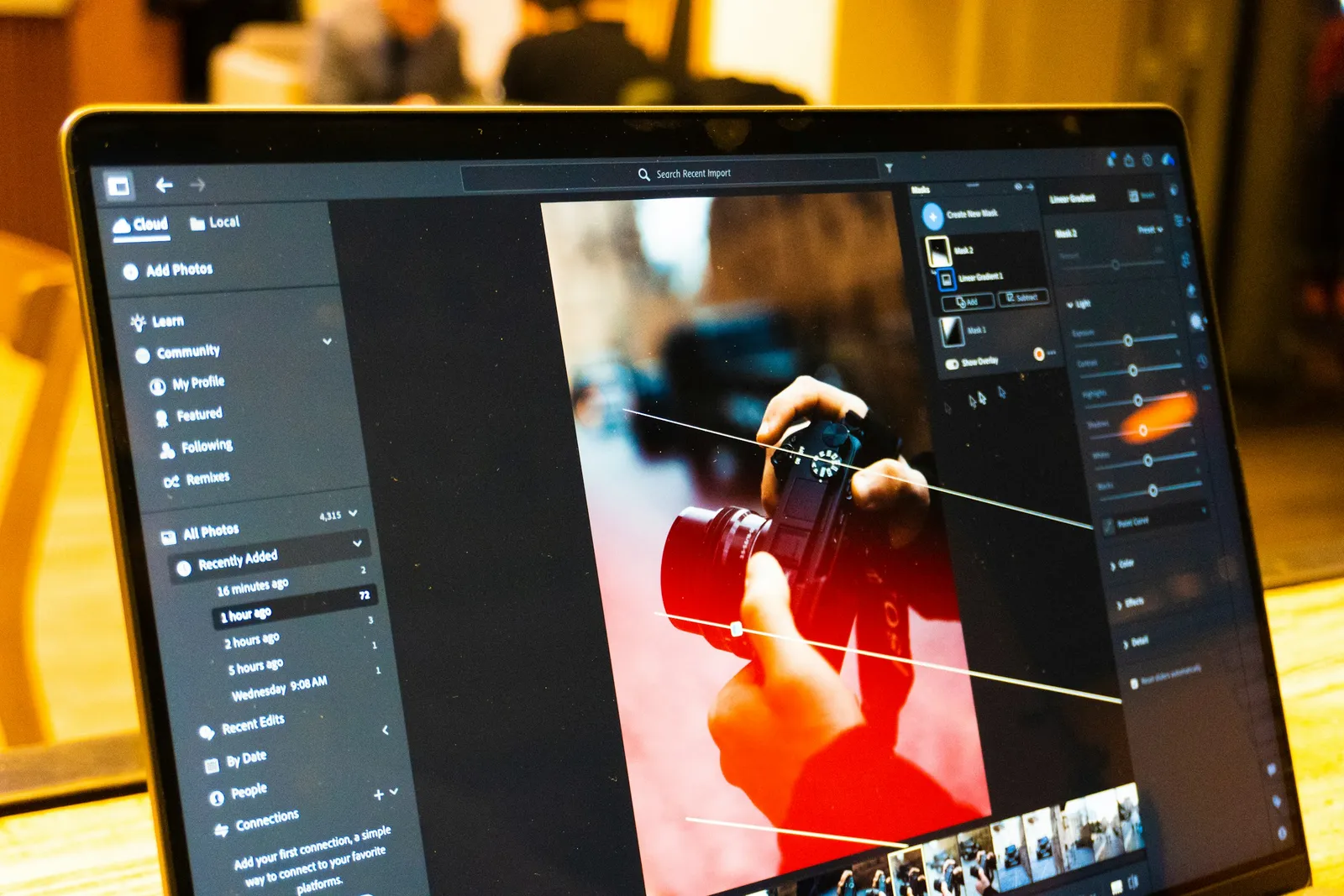
Once the list is final, export the filenames from the gallery as plain text. In Lightroom, open the Library module, show the filter bar, set the text filter to search by filename and paste the list. The grid now shows only the picks. Select all, add them to a collection, and the edit starts from a list nobody had to retype.
How the tools handle selection
The difference between the tools is not whether the client can mark a photo; almost all of them allow that. It is how the marks get back to you: as a list you can paste, or as an email you have to read. Prices checked September 2026.
| What matters | Lightroom shared album Adobe cloud | Cloud folder Google Drive, Dropbox | Pixieset or Pic-Time Gallery suites | Photoglacier Client gallery platform |
|---|---|---|---|---|
| How the client marks a photo | A like and a comment on each photo | Nothing in the folder itself; they send you filenames by email | A favourites or selection list in the gallery; on Pic-Time, client selections and album proofing come with the Professional plan | Star, like or reject on each photo, on every plan |
| Several people at once | Anyone with the link can like and comment | Everyone opens the same folder; working out who wanted what is your job | Depends on the plan; check whether the list is per person before a round with a family or a team | Yes. Everyone opens the same link, the email gate records who is there, and the reactions land in one dashboard |
| Comment on a spot in the image | A comment on the photo | No | Not listed on the plans we checked | From Pro: a comment pinned to a spot on the image. Boards on Studio add annotations, approval status and versions |
| How the list reaches you | As likes and comments on the album, read inside Lightroom | By email, in whatever form the client typed it | As a selection inside the gallery; Pixieset also has a strong Lightroom plugin | As a filename export you paste into Lightroom's filter, from Starter |
| What it costs | Needs Adobe cloud storage; the Photography Plan bundles it | Google Drive: 15 GB free, shared with Gmail | Pixieset from USD 10/month (USD 8 yearly); Pic-Time Professional, with client selections, USD 25/month (USD 21 yearly) | Reactions on the free plan; filename export from Starter at EUR 8/month yearly; pinned comments from Pro at EUR 19/month yearly |
Mistakes that make proofing drag
None of these are about the software. They are habits, most of them formed on a job that went fine, and each one adds a week to the next round.
Showing everything you shot
Fifteen hundred frames is not a choice, it is homework. The client opens the gallery, scrolls for ten minutes, closes it, and the round stalls for a fortnight. Cull first. A set they can finish over one coffee gets marked the same evening.
A round with no end
Without a date, proofing is never finished, only paused. Someone wants to add an aunt, then the aunt wants changes. Put the deadline in the message and in the gallery, and close the gallery when it passes. A closed gallery is the most persuasive reminder there is.
Picks that arrive as descriptions
The one where she laughs, the one by the window, the third from the last row. Each of these costs you a search through the catalogue and a guess. A gallery that returns filenames removes the guessing; if yours does not, ask the client for the numbers under the photos rather than what is in them.
Starting the edit on the first maybe
The first likes arrive on day one and the temptation is to open Lightroom. Then the list changes, and you have retouched twelve frames that were dropped. Wait for the final list, and for the one person who owns it to say it is final. An hour of patience saves an afternoon of work.
Proofing in Photoglacier, plan by plan
Photoglacier is a client gallery platform built in Austria and hosted in Germany, so the frames from a session stay inside the EU under the GDPR while the client looks at them. The client opens a link, no account, and marks each photo; you see who opened the gallery and what was marked. The proofing tools grow with the plan, and the places it is weaker are worth knowing before you start.
- Stars, likes and reject on every plan, including Free, with downloads switched off per gallery
- Filename export of the reactions from Starter (EUR 8/month yearly), ready to paste into Lightroom
- Comments pinned to a spot on the image from Pro (EUR 19/month yearly), for the retouching notes that words alone get wrong
- Boards on Studio (EUR 45/month yearly) for teams: annotations, approval status and file versions, with 5 seats included
- Where it is weaker: no watermarking, so a proofing gallery relies on downloads off rather than a mark across the image; no print store; and Photoglacier branding on the free plan
Questions people are asking
What is photo proofing?
Photo proofing is the step where a client looks through the frames from a session and marks the ones they want before you edit, print or design an album. Online, it means a gallery with downloads off, a mark on each photo, and a list of picks that comes back to the photographer. The word comes from the contact sheets and proof prints that did the same job before the web.
What is the best photo proofing software?
The one that returns a list of filenames, because that is the part of proofing that actually costs you time. For a photographer who mainly delivers, a gallery platform with reactions and a filename export covers it; Photoglacier does this from its Starter plan. For commercial and editorial work with several people reviewing, picdrop's votes, colour marks, drawn annotations and file versions go deeper. For a studio that sells prints and albums, Pic-Time's album proofing comes with its Professional plan, and Pixieset has a strong Lightroom plugin.
How do clients choose photos online?
They open a link, usually without creating an account, and mark each photo with a star, a like, a heart or a reject, depending on the tool. The photographer sees the marks in a dashboard and turns them into a list. The client needs to know what each mark means and by when, which is why the message that goes with the link matters as much as the gallery.
How do I get client selections into Lightroom?
Export the filenames from the gallery, then in Lightroom's Library module set the text filter to search by filename and paste the list. The grid shows only the picks, and you add them to a collection. Photoglacier exports the reaction filenames as text from its Starter plan; Pixieset works through its Lightroom plugin. If a tool only shows the list on screen, copy the filenames by hand once, and then change tool.
Should proofing galleries allow downloads?
No. A proofing gallery holds unedited frames, and downloads off is what keeps them from being shared as if they were finished work. Turn downloads on in the delivery gallery instead, once the edit is done. If a client needs to show someone a frame during proofing, the link does that, since anyone with the link can look.
How many photos should a client choose from?
Enough for a real choice and few enough to finish in one sitting. For a portrait or family session that is often two to three times the number of finals, so fifty to a hundred frames. For a wedding most photographers skip a proofing round altogether and deliver the edited set, using proofing only for the album selection afterwards.
Can several people pick favourites in one gallery?
Yes, on most gallery tools, since the link can be opened by anyone the client sends it to. The useful question is whether you can tell the marks apart: a gallery with an email gate or a guest list records who was there, a bare shared folder does not. Even then, name one person who owns the final list, or you will get four lists.
Online photo proofing without the email chains
Photo proofing software has one job that matters: turning a client's choices into a list the photographer can act on. Everything else, the proofing gallery, the marks, the comments, exists to make that list accurate and quick to produce. Online photo proofing beats a shared folder or a chain of screenshots for exactly this reason. The client marks each photo where they see it, the photographer sees who marked what, and the picks come back as filenames rather than descriptions. The tools differ in how far they take that: some stop at a list on screen, some export it, some let a client pin a note to a spot on the image.
Photo proofing for photographers in Europe adds a question the tools rarely answer up front: where the unedited frames sit while the client looks at them. Photoglacier is an Austrian company hosting on servers in Germany, so a proofing gallery stays inside the EU under the GDPR, and the client needs no account to open it. Stars, likes and reject are on every plan, the filename export for Lightroom comes with Starter, pinned comments with Pro, and Boards for team review with Studio. It has no watermarking and no print store, so it suits proofing that ends in a list rather than in an order.
More guides
Photoglacier is not affiliated with Adobe, Pixieset, Pic-Time, picdrop, Google or Dropbox. Product names are the trademarks of their respective owners and are used here only to describe the tools this page compares. Prices and plan limits were checked in September 2026 and change without notice, so verify current terms on each vendor's own site.




A proofing round that ends in a list
Stars, likes and reject on every plan, filename export for Lightroom from Starter, EU hosting.