Storage guide
Photo backup and archiving, for a working photographer
Most photographers discover their backup strategy at the worst possible moment. The reassuring part is that a workable one is small: three copies, on two kinds of storage, one of them somewhere else. The rest is deciding what deserves to be kept, and building the habit into a shooting year so it happens without anyone having to remember it.
What actually goes wrong
Rarely anything dramatic. Three quiet failures account for most lost archives.
The drive simply stops
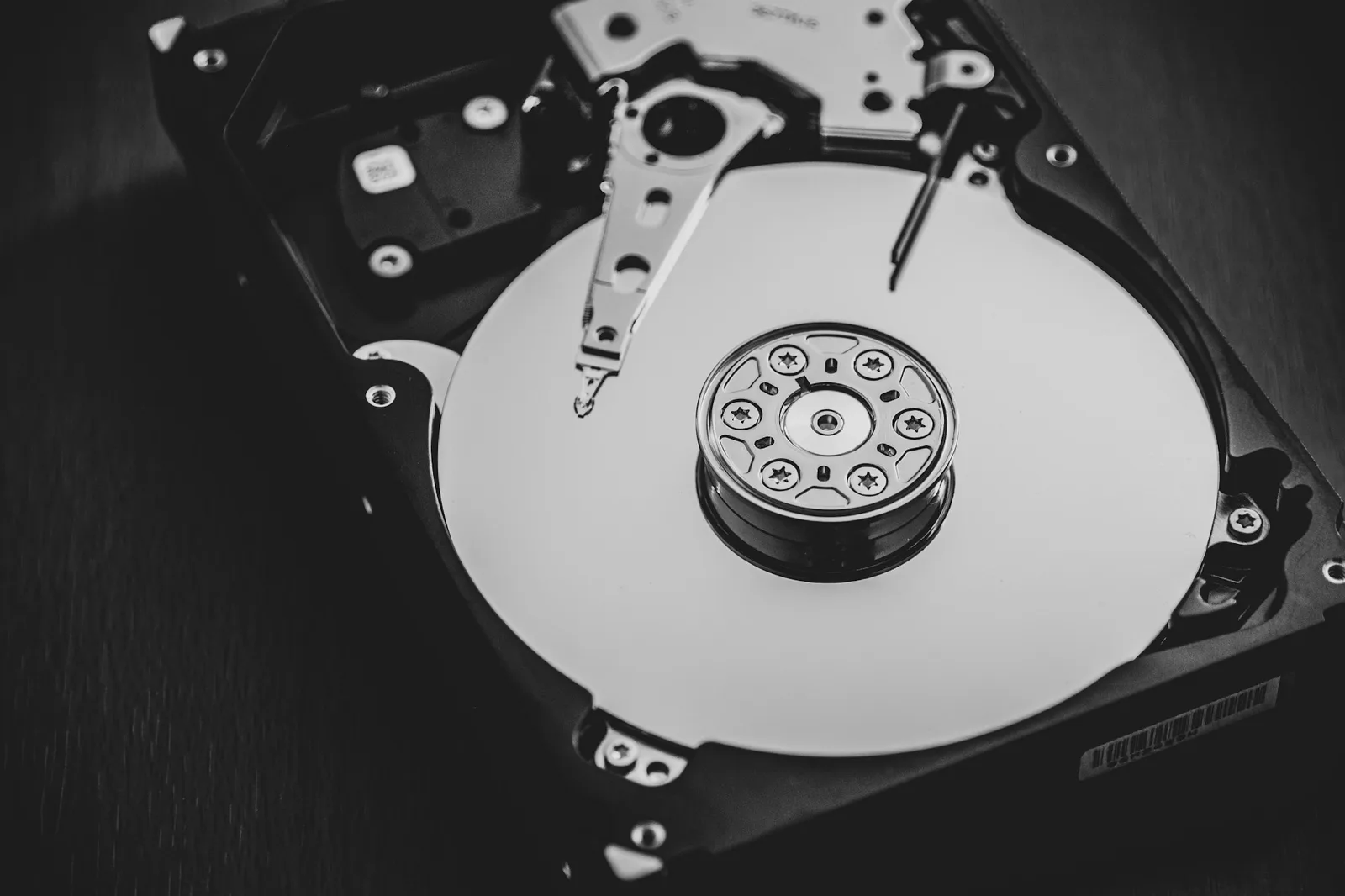
Spinning drives fail with some warning, SSDs fail with less, and memory cards fail on the job. Any single drive is a question of when rather than whether, and the answer is rarely convenient.
The service closes
Storage attached to a hardware business lasts as long as that business finds it worth running. Manufacturer photo services have closed with a few months' notice more than once, and the migration is always the customer's to carry out.
You do it to yourself
The most common cause of loss is a person: a folder dragged somewhere odd, a card formatted early, a sync that faithfully replicated a deletion to every device within seconds. A folder that syncs is not a backup against this.
The 3-2-1 rule, and what each part is for
The oldest advice in the field and still the only version worth memorising. Each number answers a different failure.
Three copies
The working set plus two backups. Two copies sounds sufficient right up to the moment you find a fault while restoring, which is exactly when the second backup justifies the whole arrangement.
Two kinds of storage
Not two drives from the same batch. An internal drive and an external one, or local disk and object storage, so that a firmware bug or a controller fault cannot take both at the same time.
One somewhere else
Fire, theft and burst pipes do not distinguish between the drive you work from and the backup on the shelf above it. Off-site can mean a cloud provider or a disk at a relative's house, as long as it leaves the building.
A shooting year, in practice
The rule is easy to agree with and easy to skip. This is what it looks like as a routine rather than an intention.
-
Offload before the card is reused
Copy the card to the working drive and to one other place before you format anything. The window in which a job exists in exactly one location should be minutes, not the drive home.
-
Back up after the edit, not before
The selects, the edits and the exports are the work, and they are what a reshoot cannot recreate. Whatever runs automatically should run once they exist, so an accidental deletion has somewhere to be restored from that is not last week.
-
Test a restore once a quarter
Pick one old job and actually pull it back. An untested backup is a belief, and the failure people hit is rarely a missing backup. It is one that turns out to be empty, partial or unreadable at the moment it is needed.
-
Prune once a year
Decide what is finished. Rejected frames from a job delivered three years ago cost storage and attention indefinitely unless somebody chooses to let them go, and nobody chooses without a date in the calendar.
What to keep, and for how long
Keeping everything forever is a decision too, and usually the expensive one. Three categories, each worth treating differently.
| The decision | RAW files | Finished exports | Delivered galleries |
|---|---|---|---|
| How long | Years, while a client might still come back for a re-edit | Indefinitely. They are small, and they are the work | As long as the client is still using it |
| Where it lives | Archive storage, cold and cheap, rarely touched | The archive plus the drive you actually work from | The delivery platform, which is not your archive |
| What you lose without it | The chance to re-edit to a standard you did not have yet | The exact version the client saw and approved | Nothing, as long as the exports are safe |
Where the archive ends and delivery begins
The two are easy to confuse, because both involve photos sitting on a server somewhere, but they answer different questions. An archive is for you: optimised for cost and durability, and nobody else ever looks at it. A delivery platform is for the person who commissioned the work, optimised for how the photographs read and how easily they can be taken away. Photoglacier is the second of those, built in Austria and hosted in Germany. Treat it as the front of house and keep the archive separately.
- Galleries shared by link, with no account needed at the other end
- Full-resolution downloads on every plan, with download controls for each gallery.
- Galleries that stay up until you take them down
Questions people are asking
How many backups of my photos do I need?
Three copies in total, on at least two different kinds of storage, with one of them off-site. That is the 3-2-1 rule, and for a working photographer it usually means the drive you edit from, an external drive, and a cloud or off-site copy.
Is cloud storage a backup?
One cloud copy is a copy, not a backup, and a sync folder is not a backup at all: it replicates deletions faithfully and quickly. Cloud storage becomes a backup when it is one of several copies and when it keeps versions or a deletion delay, so a mistake made today can still be undone tomorrow.
Should I keep RAW files forever?
Keep them while there is a plausible reason to go back to them, which for client work is usually a few years, and indefinitely for anything personal or portfolio-worthy. Storage is cheap enough that the real cost of keeping everything is having to search it later, not having to pay for it.
How often should I test a restore?
Once a quarter is enough for most people. Pick an old job at random and restore it properly, rather than checking that the files appear in a listing. Untested backups fail more often than missing ones, because at least a missing backup is not a surprise.
What happens if my photo cloud service shuts down?
You get a window to download, and then the data goes. Services usually give months rather than weeks, but nothing is migrated for you and the export tools tend to be blunt. The protection is not picking a better provider. It is never letting any one provider hold your only copy.
Do client galleries count as a backup?
No, and no gallery platform should be treated as one, including this one. A gallery holds a delivered selection rather than the full shoot, and it exists to be looked at rather than to be recovered from. Keep an archive that is yours and treat delivery as a separate job.
Photo backup for professional photographers
Photo backup advice tends to arrive either as a shopping list of drives or as a lecture about the 3-2-1 rule with no account of how a working week actually goes. The version that survives contact with a shooting season is small: copy before you format, back up once the edit exists, test a restore occasionally, and decide once a year what you are still carrying. Everything beyond that is refinement.
The other half of the job is delivery, which is a different problem with different requirements. Photoglacier handles that half: branded galleries shared by link, full-resolution downloads under your control, video alongside the stills, and no expiry on any plan. It is an Austrian company hosting in Germany, so photos and client data stay inside the EU. The free plan starts with 5 GB.
More guides



The delivery half, handled
Branded galleries, EU hosting, and a free plan with 5 GB to try on a real job.